 Deckloud
Nextcloud Deck offline, synced when you are back.
Read your boards and keep editing without a connection. Deckloud saves each change on the phone and sends it when the network returns.
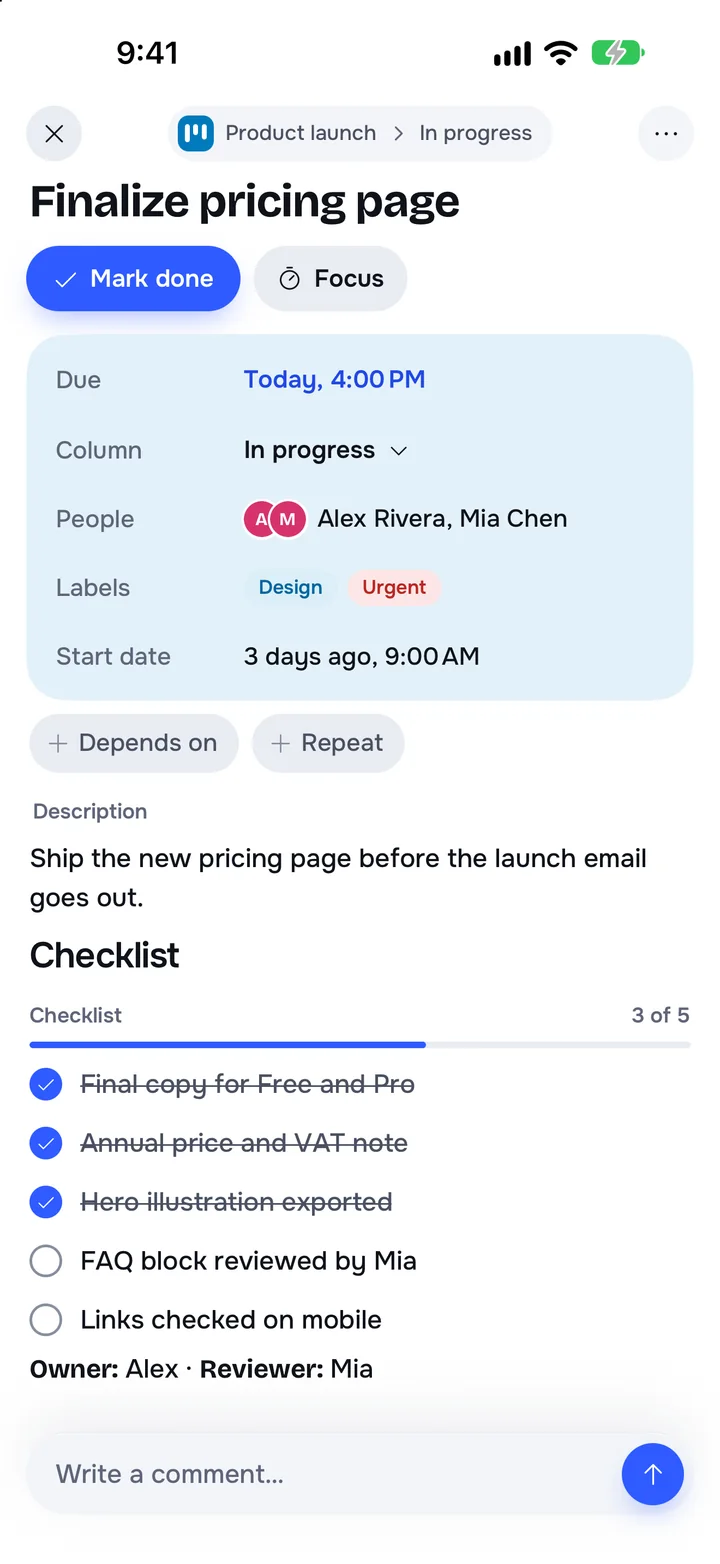
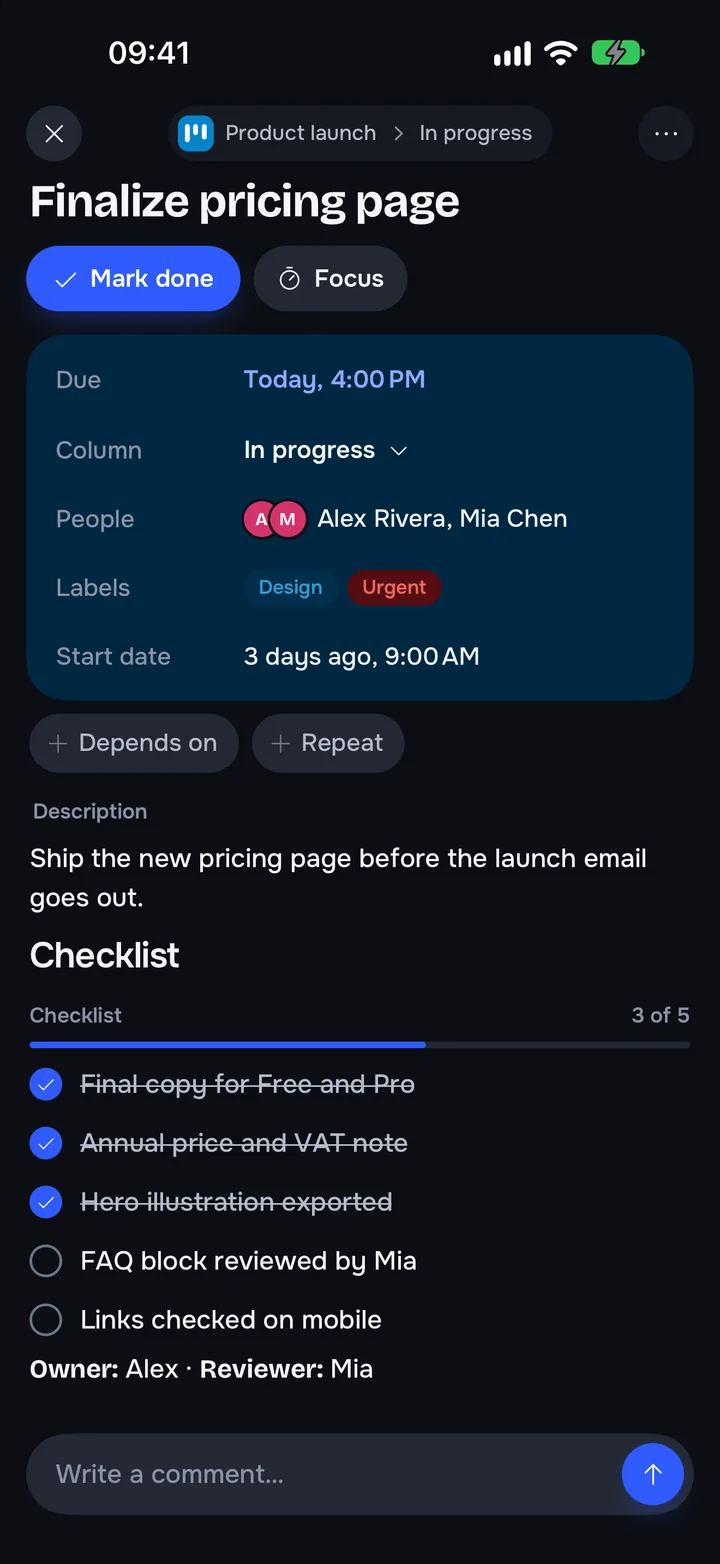
How it handles a bad connection
Changes wait on the phone
Cards, lists, and boards you change offline sync in order when the network is back.
Recovery shows what failed
If the server refuses a change, Recovery shows it, with retry and discard.
Recovery is free
Getting your own work back is never a Pro feature.
Still your server
With your own Nextcloud, changes go straight to your server. No Deckloud server sits in between.
Works with your Nextcloud
- No relay for board data
- Works with self-hosted servers and providers
- Recovery included in the free app
Questions about working offline
Does everything work offline?
Not everything. You can read cached boards and make the common card and board changes. Some actions need the server.
Is Recovery part of Pro?
No. It is free. On a new phone or tablet installation, Free also includes 3 captures and 1 Focus session a month on each device, and one account.
Does it still sync straight to Nextcloud?
Yes. Offline changes are sent to your server, not to a Deckloud service.
Keep your Deck boards with you
Free on the App Store. Pro removes the free limits.