Deckloud for iPad

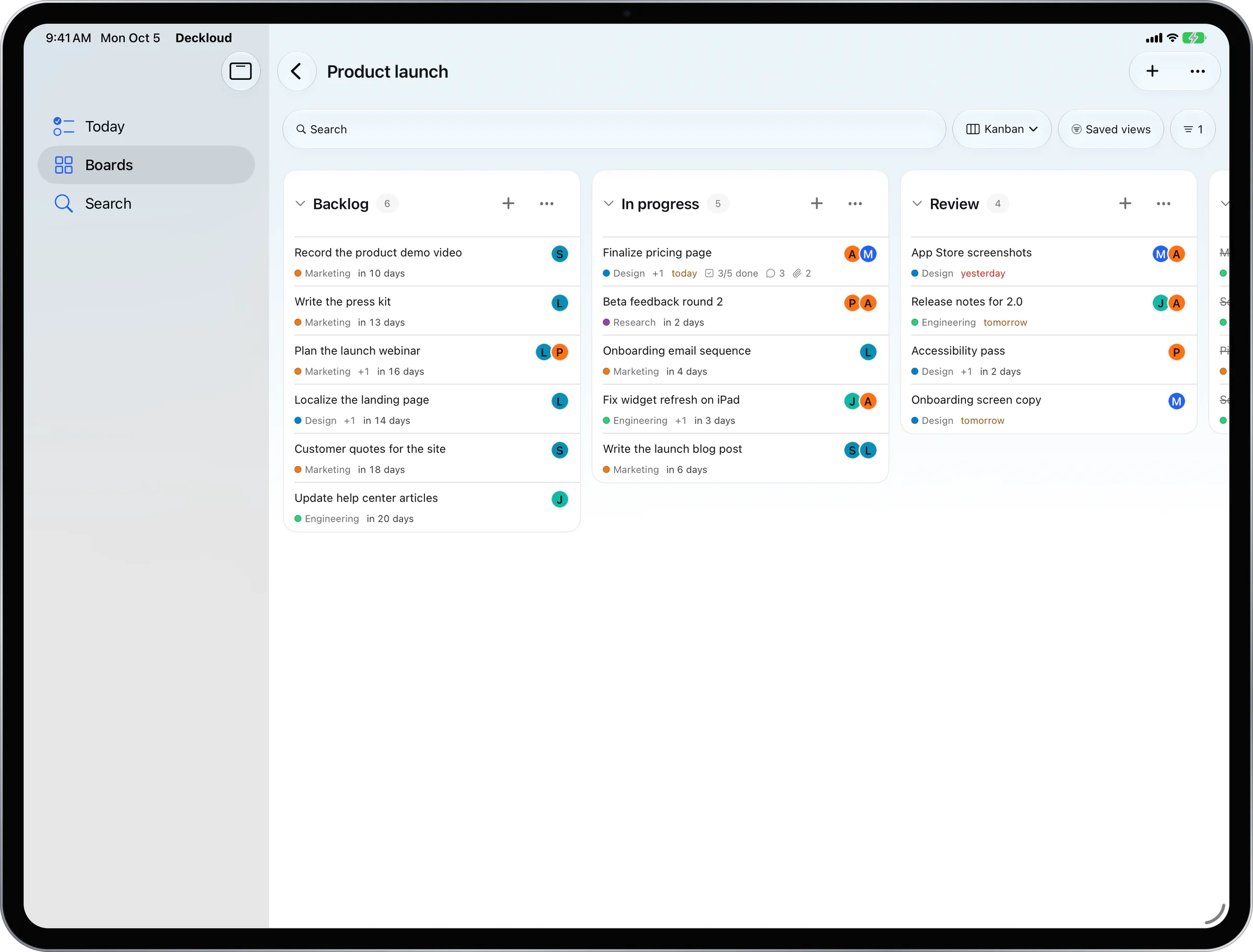
Nextcloud Deck on iPad, with kanban columns and Gantt.

See the whole board at once, drag cards between columns, and plan dated cards on a timeline.

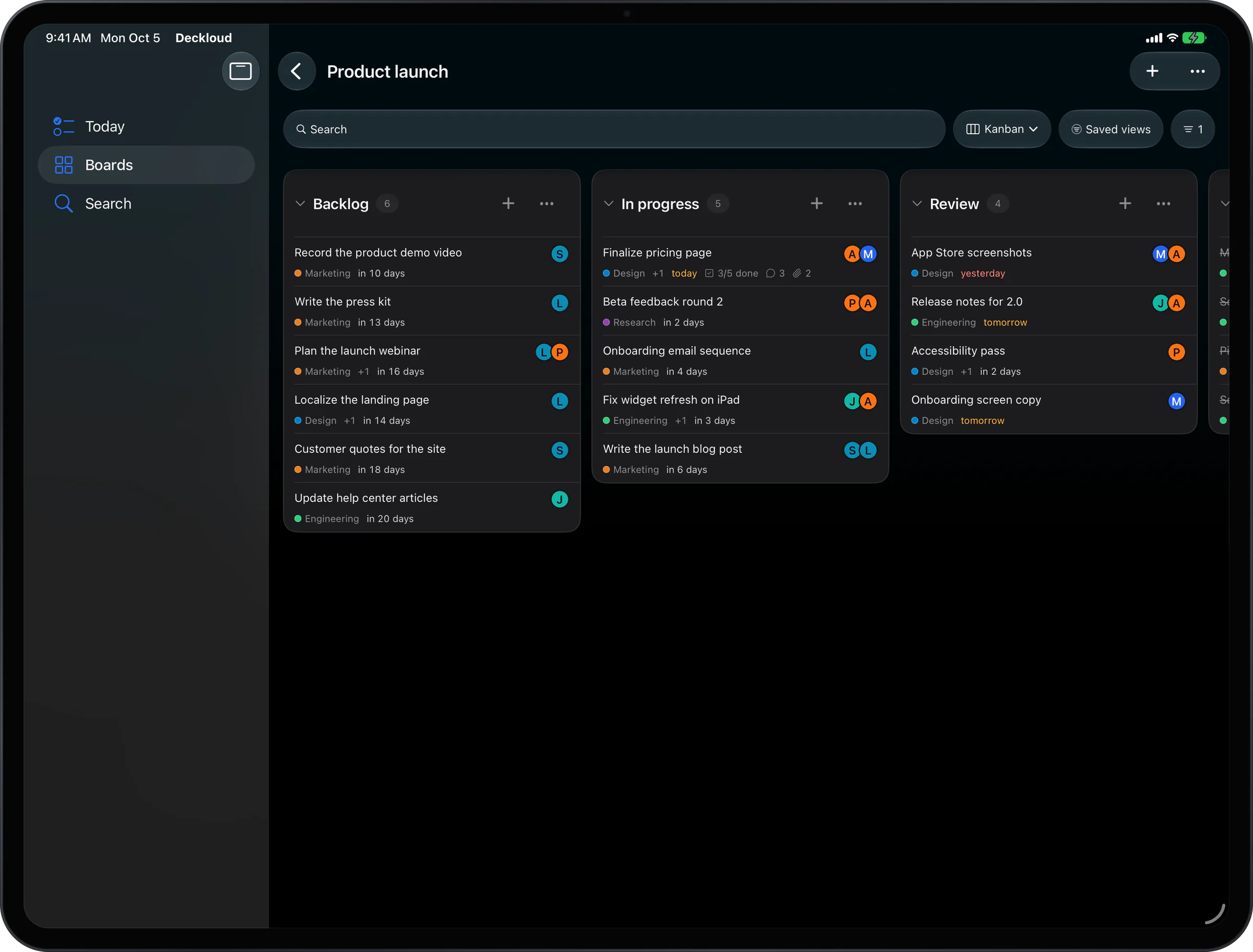
Deckloud on iPad showing Nextcloud Deck sections as side-by-side kanban columns

Columns side by side. Drag a card to move it.

Nextcloud Deck Gantt timeline

Same server, same boards

Sign in to the Nextcloud you already use. Your boards are there.

One App Store download for iPhone and iPad

Columns and Gantt read and write ordinary Deck data

iPadOS 16.4 or later

Room for the whole board

On iPhone, Deckloud shows one column per page. On iPad, the sections sit side by side as kanban columns.

Cards with dates also appear on a Gantt timeline. Drag a bar to move it, or pull its edge to change its length. Every change is saved in Deck on your server.

What the iPad layout adds

Laid out for the iPad screen, not a stretched phone app.

01

Kanban columns

Sections sit side by side, and you drag cards between them.

02

Gantt timeline

Dated cards show as bars by hour, day, week, or month. Undated cards are listed below.

03

Split View and Stage Manager

Use Deckloud next to Files, Mail, or a browser, in any orientation.

04

Share extension and widgets

Send a link or a file from another app into a card. Widgets show what is due.

FAQ

Questions from iPad users

01

Is the iPad app a separate purchase?

No. One download runs on iPhone and iPad, and Pro bought on either covers both.

02

Can I drag cards between columns?

Yes. The move is saved in Deck on your server.

03

How does the Gantt timeline work?

A card with a start and due date shows as a bar. Drag it to move both dates, or drag an edge to change the length. You can switch the scale between hour, day, week, and month.

04

Can I use a keyboard or trackpad?

Yes. Both work as they do in other iPad apps.

05

Is there a desktop app too?

Yes, for Mac, Windows, and Linux. Pro bought on iPhone or iPad activates it with a one-time code.

Your Deck boards on your iPad

One free download for iPhone and iPad. The desktop app is there when you work at a desk.

Deckloud is a Nextcloud Deck app for iPhone, iPad, Android, Mac, Windows and Linux.