 Deckloud
Nextcloud Deck recurring cards, on a schedule or after they are done.
Deckloud brings a card back every Monday, on the last day of the month, or a week after you finish it. Each new card is an ordinary Deck card on your server.
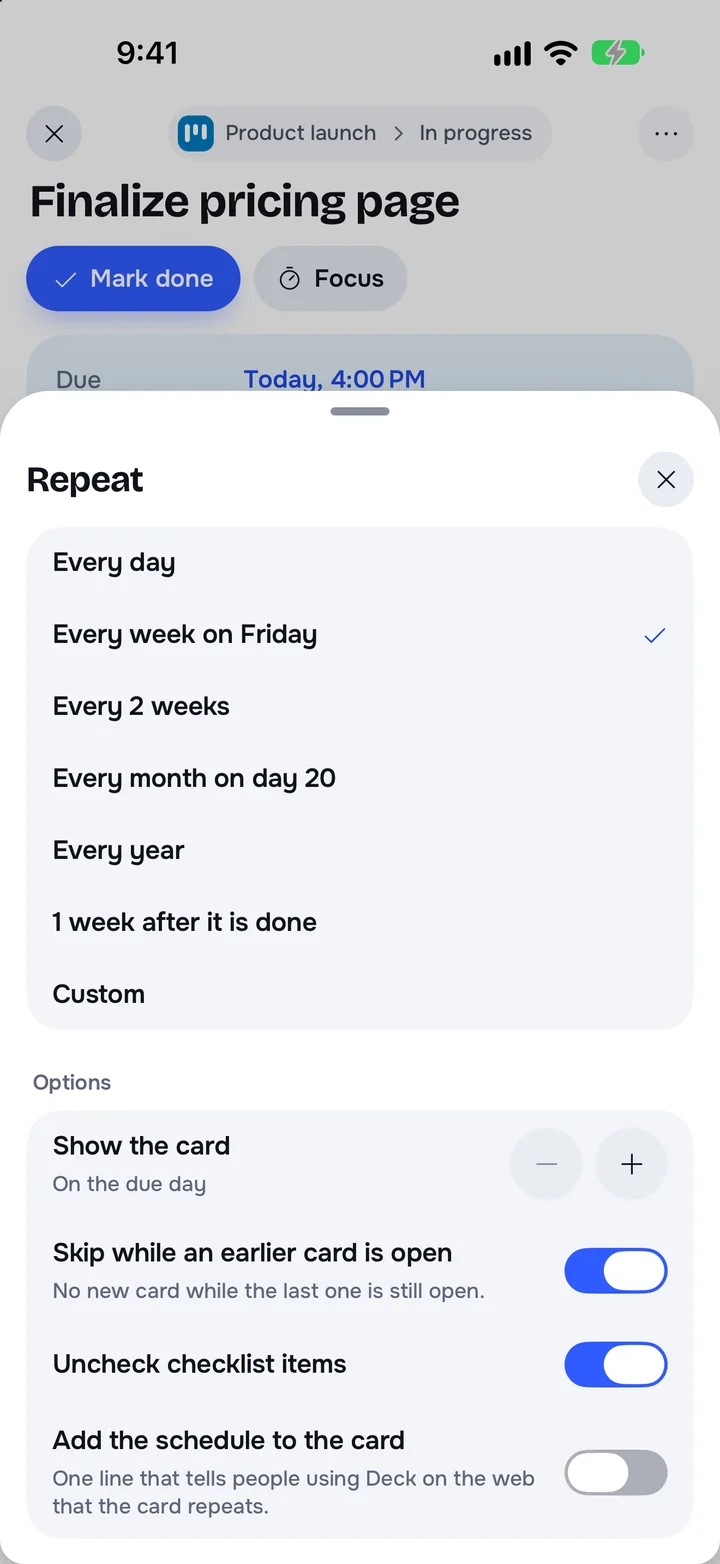
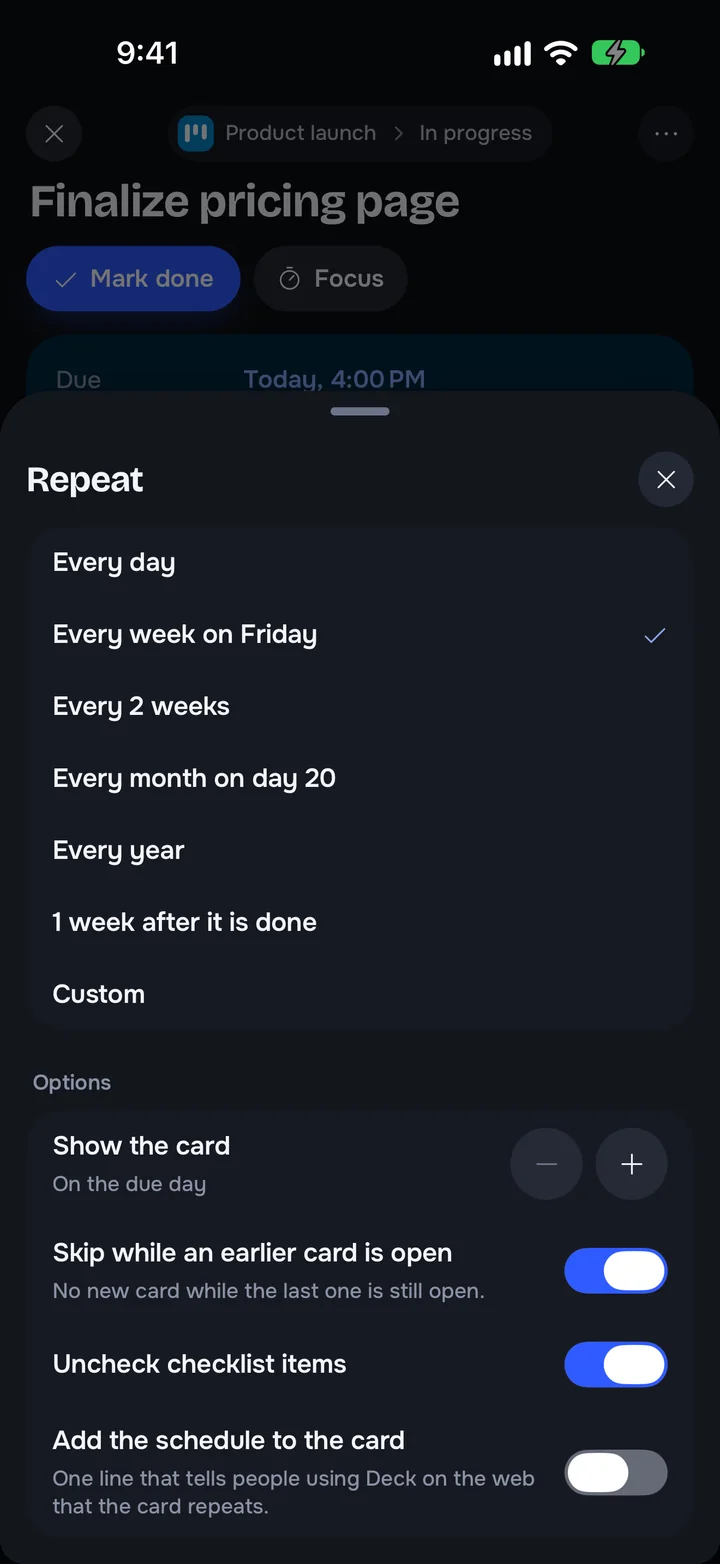
Nextcloud Deck has no recurring cards
Deck cannot repeat a card, so weekly chores and monthly reports get copied by hand. The request, nextcloud/deck#480 on GitHub, has been open since June 2018.
How a repeating card works
Open a card with a due date and choose Repeat. Each new card is due on the next date of the schedule.
On a schedule
Every few days, weeks, months, or years. Weekly can use several weekdays. Monthly keeps the same day or uses the last day.
After it is done
The next card is due a set time after you finish this one, for example 1 week after it is done. Chores that slip do not pile up.
Presets and custom rules
Every day, every week on a day, every 2 weeks, every month on a day, every year, or 1 week after it is done. Custom covers the rest.
Options
Show the card on the due day or a few days before. Skip a date while an earlier card is still open, and uncheck checklist items. End never, on a date, or after a number of cards.
What each new card copies
The title, description, labels, and assignees, in the same list. Pause, resume, skip the next card, create it now, or use the current card for future ones. When you stop repeating, existing cards stay.
Where the schedule lives
The schedule is a small file in your Nextcloud Files: .deckloud/recurrence-v1.json. Every Deckloud device on that account reads it. Each write checks the file's ETag, so your devices share one schedule and create each card once. If your server cannot store the file, the card repeats on one device only.
What to expect
Deckloud creates new cards while it runs on one of your devices; your server does not. A card whose day has come appears the next time Deckloud runs. After a long gap, only the latest missed card is created: a month away means one card, not thirty. Repeating cards need version 1.3.12 on iPhone and iPad, or desktop 0.8.21 on Mac, Windows, and Linux. Android has them too.
Questions
Does Nextcloud Deck support recurring cards?
Not on its own. Deckloud adds repeating cards to your existing Deck boards, with no server app and no change to how Deck stores cards.
Do I need to keep the app open?
No. Deckloud creates the next card the next time it runs on any of your devices. If none opens Deckloud, the card waits.
What do people on the Deck web app see?
Ordinary Deck cards. Turn on Add the schedule to the card to add one line telling them the card repeats.
Are repeating cards free?
Desktop Free includes one repeating card. On a new mobile installation, repeating cards need Pro. Pro supports up to 100.
Does it work in the desktop app?
Yes. The desktop app reads the same schedule file, so a card set to repeat on iPhone keeps repeating on the desktop.
Get Deckloud
Free on iPhone, iPad, Android, Mac, Windows and Linux. It works with the Nextcloud server you already use.