How to keep Nextcloud Deck usable with unreliable internet
without guessing what synced.
Serious mobile work depends on trust. You need to know which actions are safe, which ones will replay later, and how to recover cleanly when the connection drops.
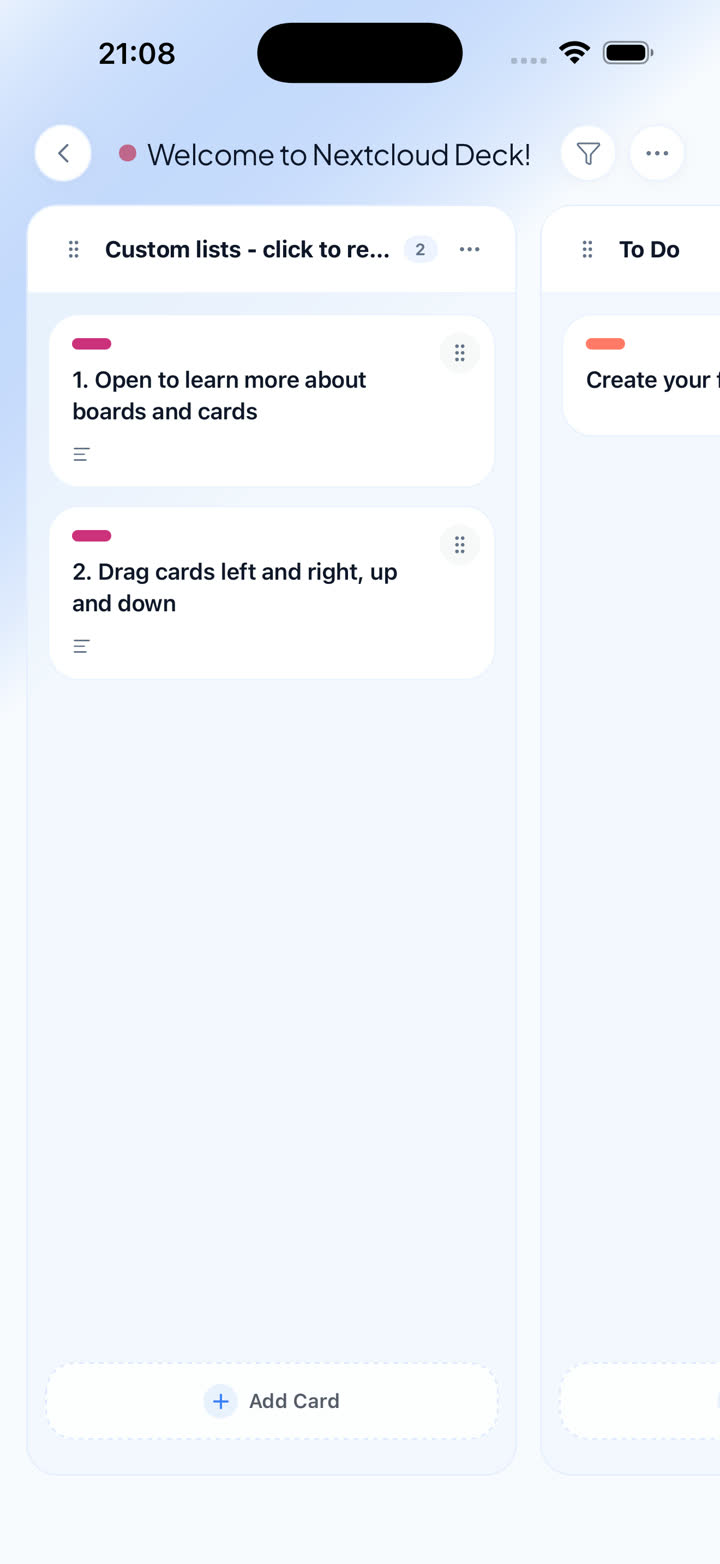
Offline resilience is less about marketing language and more about whether the app makes recovery obvious after the network disappears.
Offline is a trust problem before it is a feature list
People usually say they want an offline mode. What they really want is confidence: confidence that the app will keep core work moving, show what is waiting, and recover without turning the board into a mystery after the train leaves the station or the signal drops in the building.
For serious Deck users, a mobile client either feels trustworthy or it does not. A trustworthy client caches enough context to keep you oriented, lets core actions queue locally, and gives you a clear path to understand what still needs to sync.
That is why Deckloud treats unstable connectivity as a product layer. It is built around the same direct connection to your own Nextcloud server, but it does not pretend that every action is equally safe when the network gets rough.
What reliable offline behavior actually means
- Cached boards and card context should remain readable when the signal disappears.
- Core writes should queue locally and replay later with visible status.
- Recovery tools matter because heavy workflows eventually hit edge cases.
A safer offline workflow in four steps
01
Start from cached board state
If you use the same boards regularly, the app should keep enough context locally that you can still orient yourself when the network cuts out.
02
Limit offline expectations to the actions designed for it
Core board actions are the priority. Heavier or more complex operations should be treated with more caution and clearer boundaries.
03
Use the queue as a visible recovery layer
You should be able to see that work is pending, retry when needed, and understand whether the app is waiting on connectivity or blocked by something else.
04
Finish recovery before assuming everything landed
The safest workflow is to let the queue replay cleanly once connectivity returns, then confirm the board state instead of assuming every edit already made it home.
What makes Deckloud safer on shaky networks
The goal is not a magic offline claim. It is a workflow that stays understandable when the network turns unreliable.
01
Queue-backed core writes
Important everyday actions can wait locally and replay later instead of simply failing at the first network wobble.
02
Recovery tools for heavier use
Queue cleanup, retry behavior, and deeper diagnostics matter once you move beyond occasional mobile edits.
03
Still direct to your own server
The app is designed around your current Nextcloud setup, not around a hosted Deckloud relay for board data.
Build your mobile workflow around safe recovery
Read the offline product page for the full workflow breakdown, or start with the iPhone app if resilient mobile work is the missing piece.